
 EN
 NL
 FR
 DE
 HU
 IT


Business Profile tips
Google Business Profile Photos: Which Ones to Add and How Often
Photos are one of the easiest parts of your Google Business Profile to improve, and they help people decide whether to visit you. This guide covers which photos to add, the file sizes Google asks for, how often to update them, and when you need permission before you post a photo of someone.
Key takeaways
- Google asks for three kinds of photos: a logo, a cover photo and business photos of your place, team and work.
- Use JPG or PNG files between 10 KB and 5 MB. Google recommends 720 x 720 pixels for most photos and 1,024 x 576 pixels for the cover.
- Use real photos that show your business as it is. Google asks for photos that represent reality.
- Add new photos about once a month, and after any change a customer would notice, such as a new menu or a refit.
- Get permission before you publish a photo of someone who can be recognised.
Start with the three photo types Google asks for
Google’s help page describes three kinds of photos. The logo helps customers recognise your business. The cover photo represents your business at the top of your profile. Business photos show the features that attract and inform customers (Google Business Profile Help: add photos).
If you only have an hour, start with two things: a simple, clear logo and a cover photo of your shop front, your terrace or your team at work. Then add business photos.
Get the file size and format right
Google asks for JPG or PNG files between 10 KB and 5 MB. For most photos, Google recommends 720 x 720 pixels, with a minimum of 250 x 250 pixels. Google’s Dutch help page gives 1,024 x 576 pixels for the cover photo, a wide 16:9 shape.
Google also asks for photos that are in focus, well lit and have no significant alterations or excessive filters, because they should represent reality (Google Business Profile Help). Daylight near a window is usually enough. You do not need a professional camera.
Choose photos that answer what a customer wants to know
Think about the questions people ask before they visit. Which photos answer them?
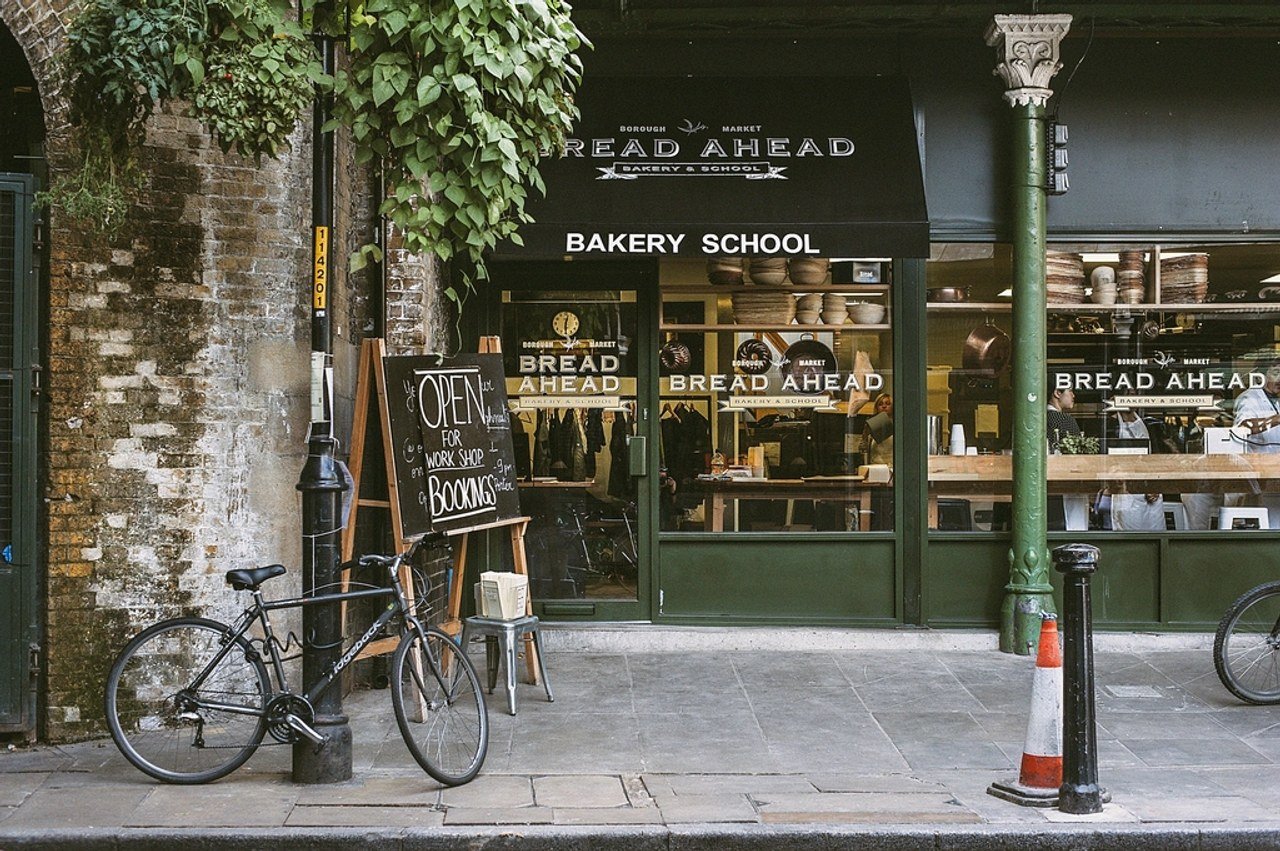
- Outside: your front, your entrance and the street, so people can find you.
- Inside: the room, the counter or the waiting area, so people know what to expect.
- Team: your people at work. A name and a face build trust, once you have permission (see below).
- Products or work: the dishes, cuts, repairs or services you are known for.
- Seasonal: the terrace in summer, a Christmas display in December.

How often should you add photos?
Google does not publish a set schedule for photos, so this is our advice, not a Google rule. Add new photos about once a month, and after any change a customer would notice: a new menu, a refit, a new service or a seasonal display.
New photos can take up to 24 to 48 hours to show on your profile (Google Business Profile Help). Set a monthly reminder in your calendar. Ten minutes with your phone is enough for one or two photos.
Ask before you publish photos of people
A photo of a team member or a customer counts as personal data when the person can be recognised. If you run a business in the EU, the GDPR applies. The Dutch Data Protection Authority (Autoriteit Persoonsgegevens) says that publishing recognisable people on a website or social media usually needs their consent, and that people can withdraw that consent later (Autoriteit Persoonsgegevens: beeldmateriaal).
Ask your team before you post, and remove the photo if someone asks you to.
Mistakes to avoid
- Stock photos of a place you do not have. They do not show your business, and Google asks for photos that represent reality.
- Heavy filters or edits that change how your place looks.
- Old photos of a shop that has since been refitted or rebranded.
- Blurry or dark photos. Retake them in daylight.
For the rest of your profile, use our checklist for optimising your Google Business Profile. For a routine for posts, read what to post and how often.
Want someone to keep your photos, posts and hours up to date for you? Start your free trial, or compare what is included on our pricing page.
Frequently asked questions
How many photos should I add to my Google Business Profile?
Google does not set a limit. A good start is a logo, a cover photo and a handful of real photos of your place, team and work. Add more over time and keep them current.
Can I use stock photos?
Use your own photos where you can. Google asks for photos that are well lit, in focus and represent reality, so a stock image of a place you do not have works against that.
Why is my new photo not showing yet?
Google says it can take up to 24 to 48 hours before photos and videos show on your Business Profile.
What do I do if someone asks me to remove their photo?
Remove it. The Dutch Data Protection Authority explains that people can withdraw their consent, and then the photo must be removed.